Meine Namensspardose Designer DE
Name money box to 3D print

Your name money box – designed in a minute

Type a name, choose a font and two colours, spin the money box in 3D. Then download the print file and print it yourself – or order it ready-printed, with lock and key.

  • Free preview
  • Print it yourself or order it ready-printed
  • 3MF for Bambu Studio & OrcaSlicer, STL for others
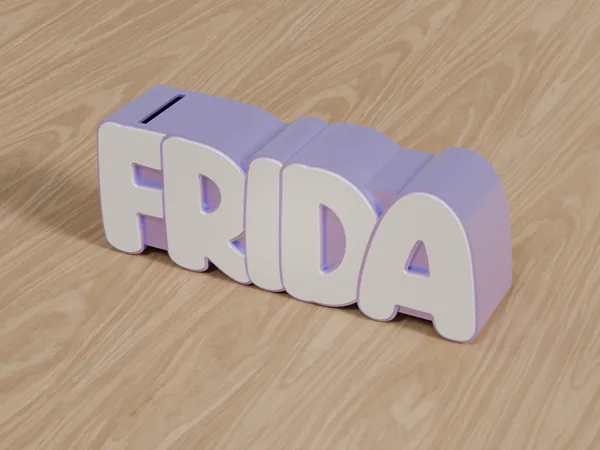
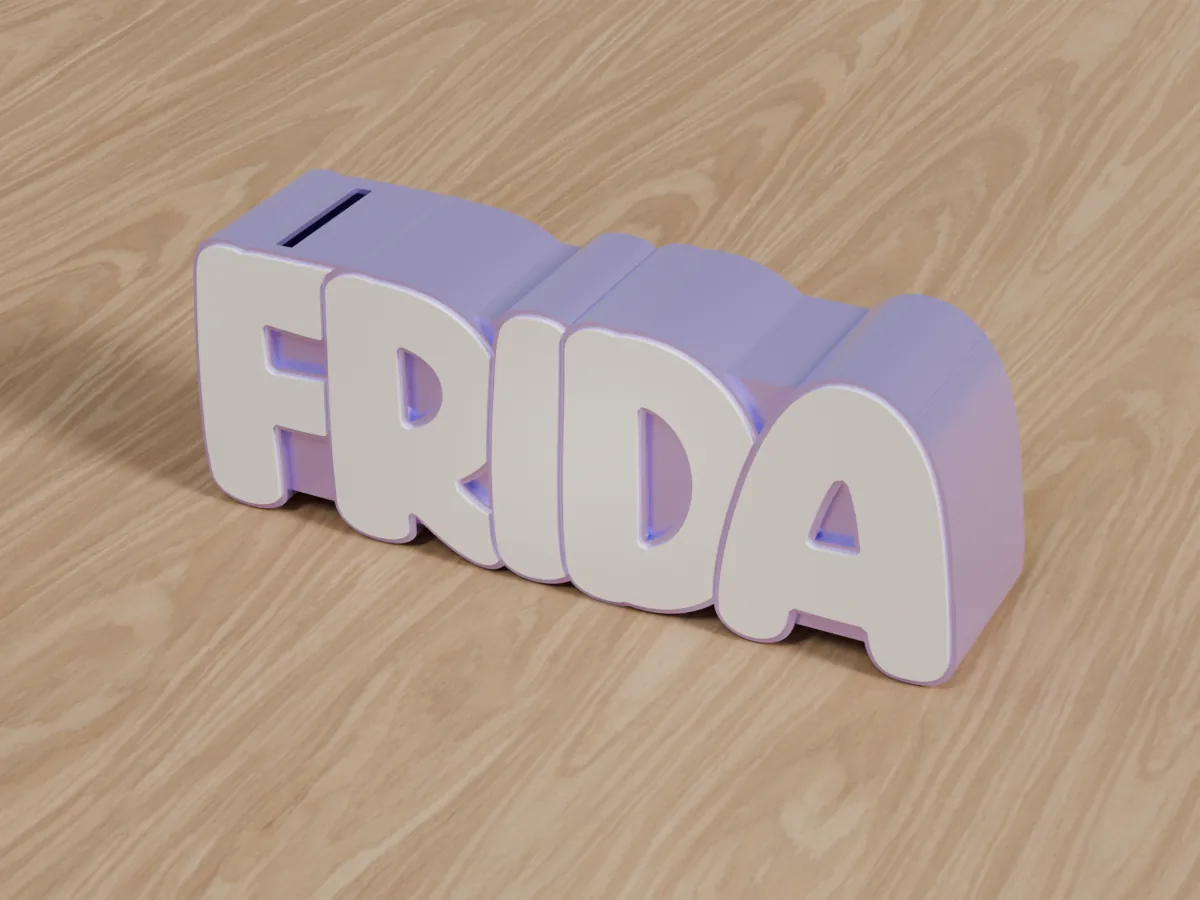
Name money box FRIDA with a coin slot in the first letter

Coin by coin to the big wish

A name that is impossible to miss in a child's room.

The slot on top – big enough for any coin.

And when the wish is within reach: turn the key, open the lock.

How your money box comes to life

From a name to a money box in three steps.

  1. Design

    Type a name, choose a font and two colours – the 3D preview shows you right away what your money box looks like.

  2. Download or order

    You download the print file as a 3MF or an STL package – or you order the money box ready-printed, no printer of your own needed.

  3. Print & save

    Print the money box in two colours, fit the lock – and off you go saving. Step by step in the printing and assembly instructions.

Print it yourself or have it printed

You design your money box in the designer – and then decide how it gets to you.

Print it yourself

For everyone with a 3D printer

  • As a 3MF for Bambu Studio and OrcaSlicer – both colours already assigned – or as an STL package (ZIP) for other slicers
  • Lock and key included free of charge as separate print files
  • Paid with credits: 1 credit per letter. Once bought, you get the same name in any colour and both formats without paying again.
Prices for print files

Have it printed

Without a 3D printer of your own

  • Ready-printed in the two colours you have chosen
  • With lock and key
  • Paid with PayPal, no credits needed – shipping within Germany only
Design a money box

The designer in action

Type a name and the money box appears in 3D right away. Every change you make is shown live – and it's free.

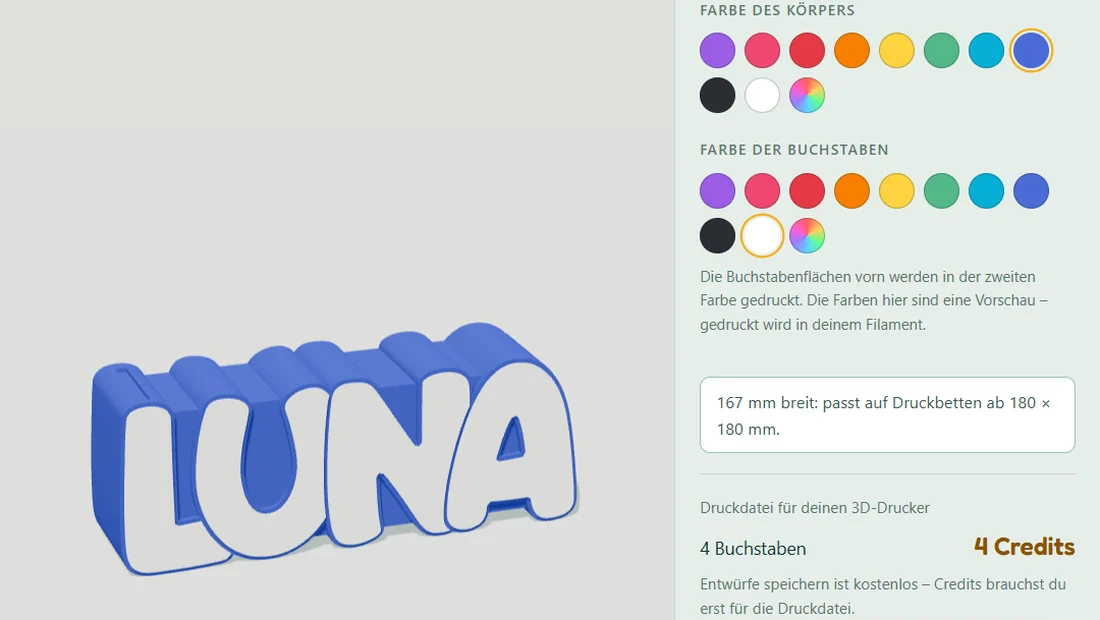
The designer: a name money box in 3D with the settings for name, font and colours
  • Live 3D preview – rotate and zoom, with mouse or finger.
  • Round or angular font – switch with a single click.
  • Two colours of your choice – body and the letter faces at the front. For trying things out: it is printed in your own filament or in the colours you chose.
Open the designer

Every name becomes a money box

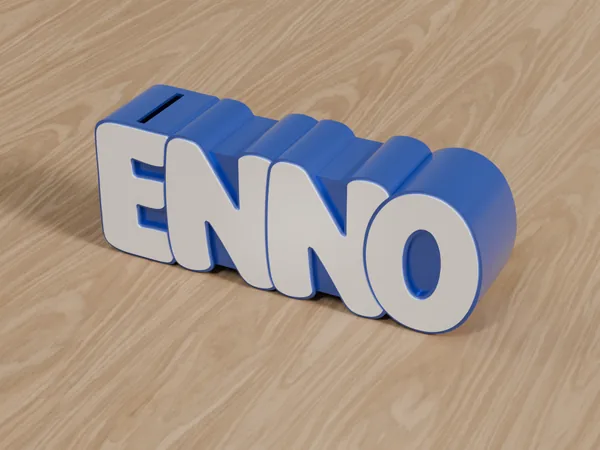
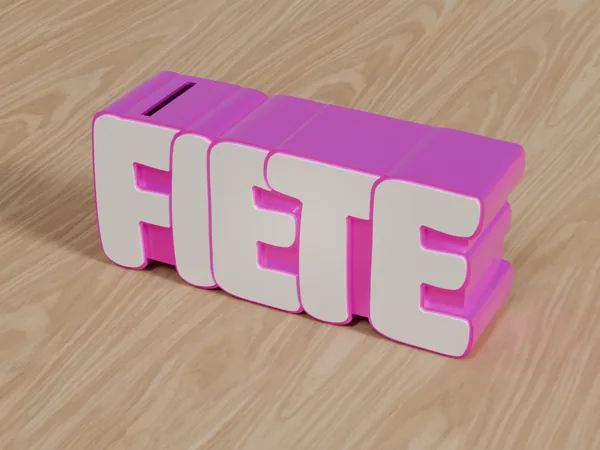
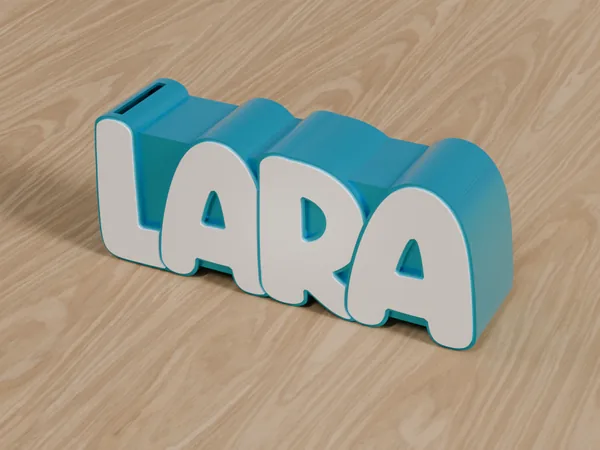
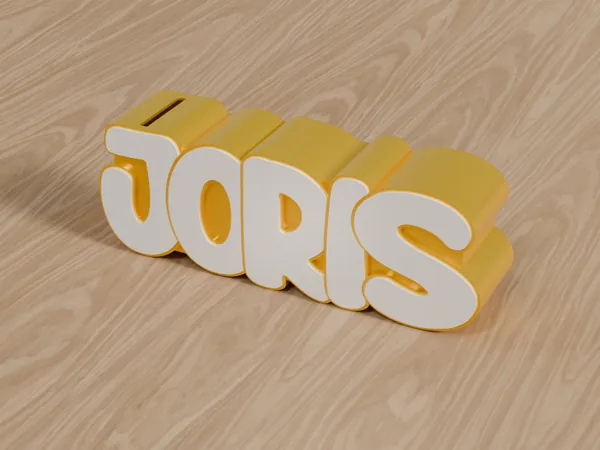
Short or long: the spacing has been tuned by hand for every letter combination. So every name looks balanced and the letters hold together.

  • Name money box ENNO in blue with white letters
    ENNO
  • Name money box FIETE in magenta with white letters
    FIETE
  • Name money box LARA in turquoise with white letters
    LARA
  • Name money box JORIS in yellow with white letters
    JORIS
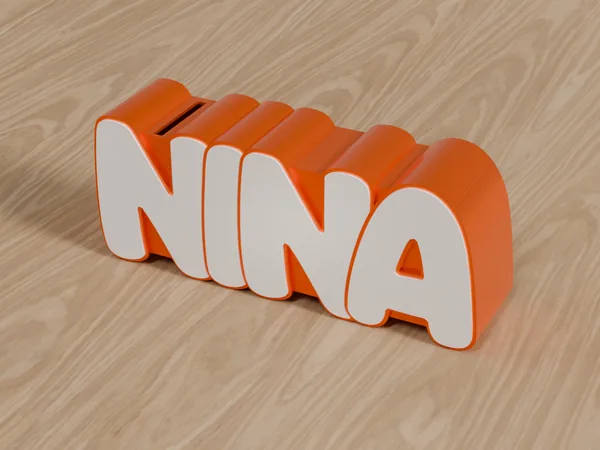
  • Name money box NINA in orange with white letters
    NINA
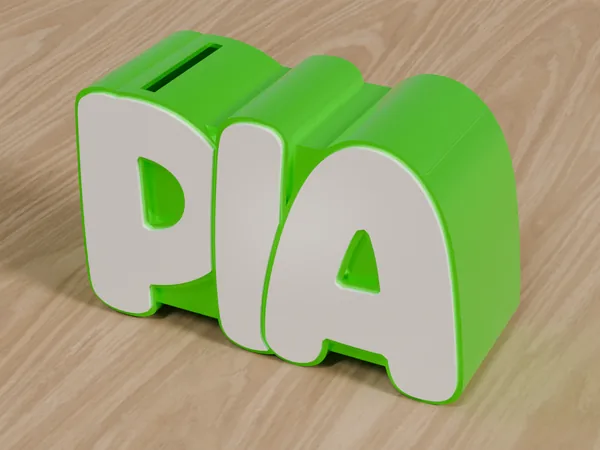
  • Name money box PIA in bright light green with white letters
    PIA
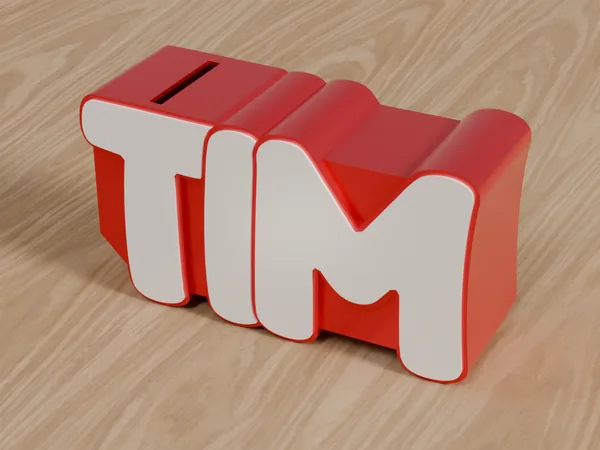
  • Name money box TIM in red with white letters
    TIM
  • Name money box FRIDA in soft lilac with white letters
    FRIDA

Rounded or angular

Two fonts, two characters: rounded looks soft and playful – ideal for a child's room. Angular is bold and blocky, with large, clear letter faces. In the designer you switch with a single click.

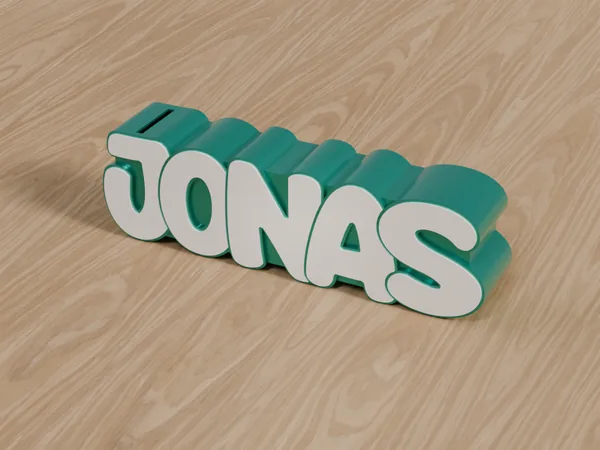
Name money box JONAS in the rounded font, teal with white letters
Rounded soft and playful
Name money box JONAS in the angular font, teal with white letters
Angular bold and blocky

Try rounded Try angular

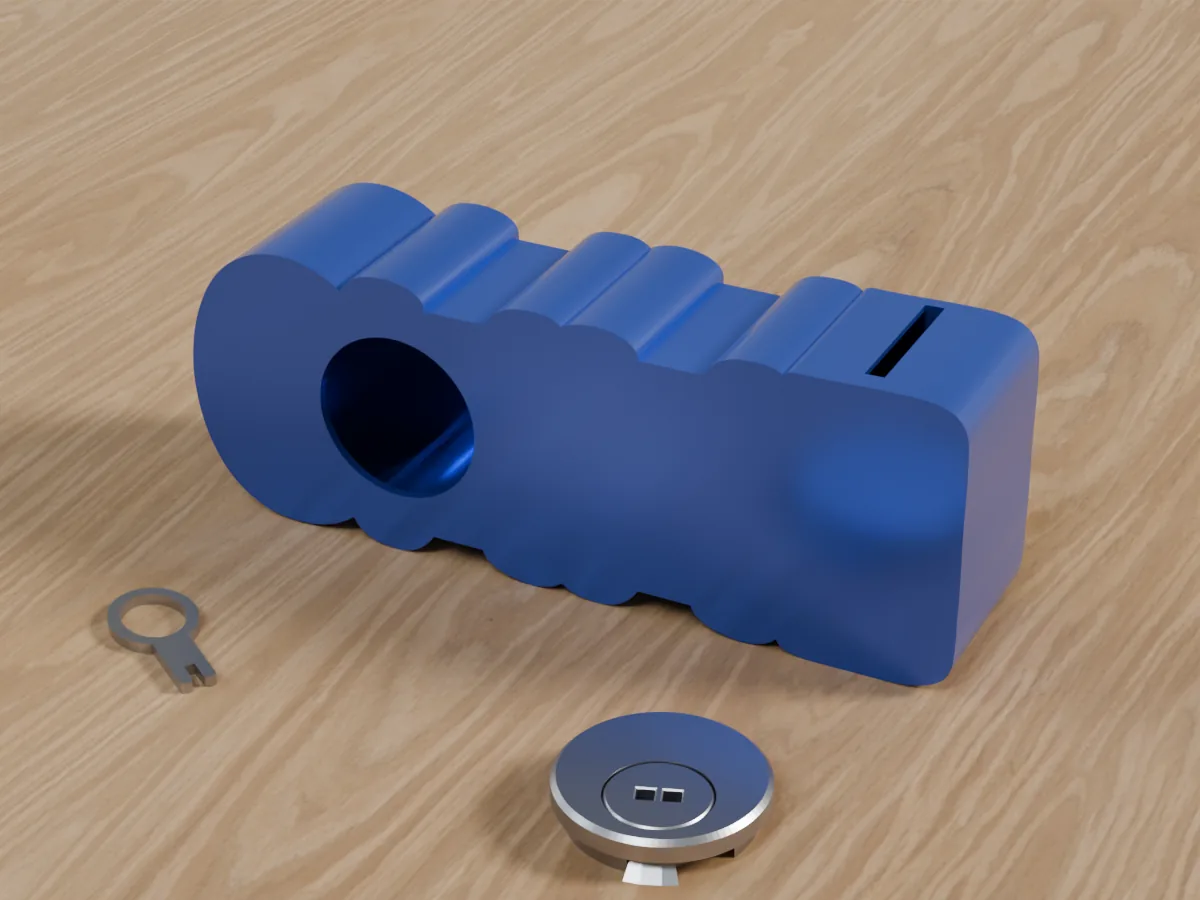
Back of the name money box ENNO with the opening for the lock; the lock and key lie beside it

Thought through down to the lock

The money box is not just lettering but a proper money box – with slot, lock and key.

  • Coin slot on top – 33 mm long, suitable for all common coins.
  • Lock and key – the lock sits at the back, and you empty the box with the key. Both are separate print files and come free of charge.
  • One piece in two colours – the money box is printed in one piece, with the body and the letter faces at the front in your two colours.
  • 3MF with assigned colours or an STL package – you open the 3MF in Bambu Studio or OrcaSlicer, and both colours are already set. For other slicers there is an STL package (ZIP).
  • Size visible in advance – the designer shows width, height and depth right away and warns you if the name gets tight on the print bed.

Frequently asked questions

Which 3D printer do I need?

An FDM printer that can print two colours – most conveniently one with a multi-colour system. The 3MF file already has both colours assigned and opens in Bambu Studio and OrcaSlicer; for other slicers there is an STL package. The designer shows you whether your name fits on the print bed: it gives the dimensions and warns you when it gets tight. A 256 mm print bed fits about 6 letters. If your name is longer, simply order the money box ready-printed.

Which letters are possible?

The letters A to Z, from 1 to 15 letters. Umlauts and special characters are not available yet.

Do I need to sign in?

Not for designing – the 3D preview works without an account. You only sign in for the print file, with your Google account or with an email address and password.

How do I get the money out of the money box?

There is a lock at the back. You open it with the key and empty the box. The lock and the key are separate print files and come free of charge – with the ready-printed money box they are included as well.

I don't have a 3D printer – can I still get one?

Yes. You order your money box ready-printed, in the two colours you have chosen, with lock and key. You pay with PayPal; you don't need credits for this. Shipping is only possible within Germany.

Your question wasn't answered?

Write to us – about the designer, printing, your order, or with an idea for a new font. We usually reply within one working day.

Who are you saving for?

Give it a try – the preview is free.

Design a money box